
Resonance: A Plague Tale Legacy Resonance Performance Guide
30/40/60 on consoles, DLSS and FSR on PC, and the week-one hitch list.
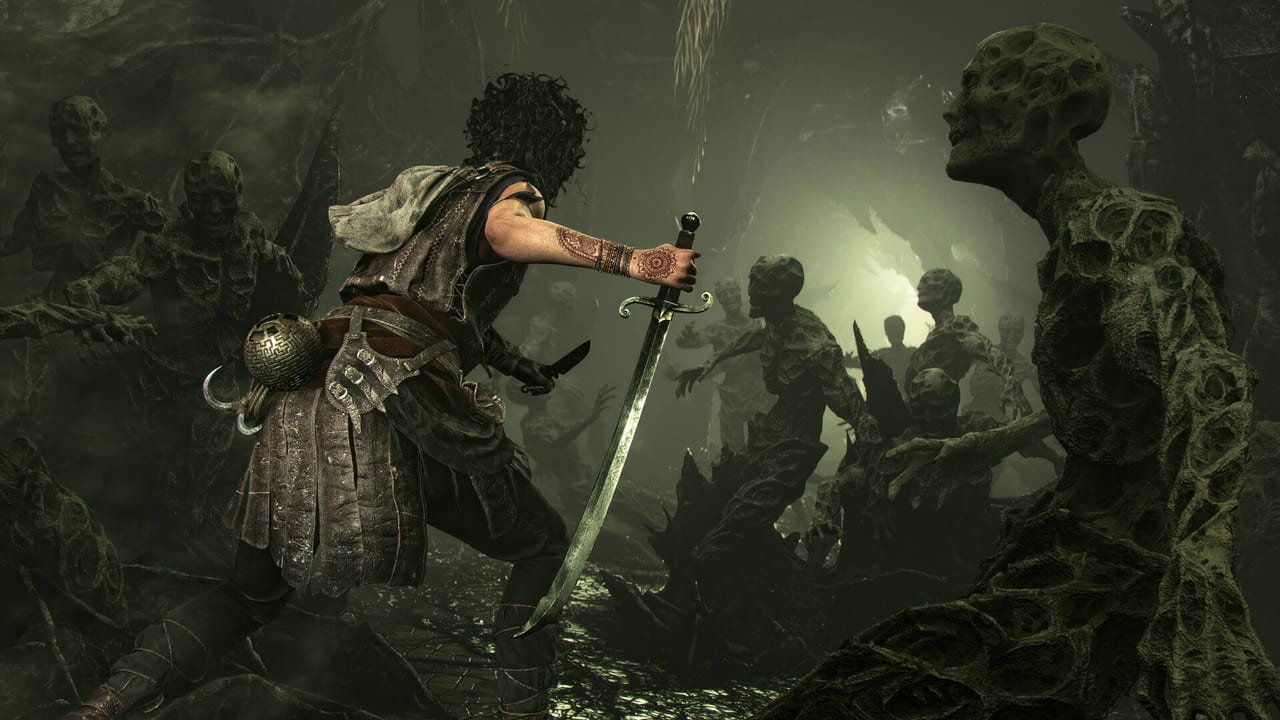
Resonance: A Plague Tale Legacy runs on Asobo’s in-house Zouna engine, the same family as Microsoft Flight Simulator work, not Unreal. The studio skipped ray tracing on purpose and spent the budget on faces, island light, and a stable image. This page is the hardware layer: Digital Foundry’s console modes, Steam’s PC targets, Deck reality, and the Game Pass hitch that is not always your GPU. Specs in a table stay on system requirements. Known issues without a numbered patch stay on patches.
The campaign is single-player. None of these settings affect trophies. Difficulty is a separate pause-menu slider.
Console modes (Digital Foundry, 26 August 2026)
Digital Foundry called Resonance a visual feast that scales across the generation, with PS5 Pro in a class of its own. Isolated camera clips and rare crashes exist. They did not define the experience.
| Platform and mode | Internal target | Upscale |
|---|---|---|
| PS5 / Series X 30 FPS | 2560×1440 | TAA toward 2160p |
| PS5 / Series X 40 FPS | 2240×1260 | TAA toward 2160p |
| PS5 / Series X 60 FPS | 1920×1080 | TAA toward 1440p |
| PS5 Pro 30 FPS | 3200×1800 | PSSR or TAA toward 2160p |
| PS5 Pro 40 FPS | 2560×1440 | PSSR or TAA toward 1440p–2160p |
| PS5 Pro 60 FPS | 2240×1260 | PSSR or TAA toward 1440p |
| Series S 30/40 FPS | 1920×1080 | none |
On base PS5 and Series X, 60 FPS is the mode to pick if you care about parries. The 30 FPS quality mode is the postcard. The 40 FPS middle path is for 120 Hz sets that can hold it; Digital Foundry noted the Pro can still dip in that quality slot during heavy scenes.
Xbox Play Anywhere shares saves between Xbox consoles and the Microsoft PC app. It does not share a Steam save. If you start on Game Pass console and want keyboard later, stay inside the Microsoft store.
PC targets and presets
Steam minimum (1080p Low, 30 FPS, no upscaler required): Windows 10/11 64-bit, Ryzen 3 3100 or Core i3-12100, 16 GB RAM, RX 5500 XT or GTX 1060 6 GB, DirectX 12, 75 GB SSD required, DX12.1 / Shader Model 6.6, CPU 4 cores / 8 threads.
Steam recommended (1080p Ultra, 60 FPS): Ryzen 5 5600X or Core i5-12400F, RX 6700 XT or RTX 3060 Ti 8 GB, same SSD and API notes.
PCGamingWiki’s launch entry lists TAA, DLAA, FSR AA, DLSS 4.5, FSR 4 / 3.1 / 2, and both NVIDIA and FSR frame generation. An in-game frame cap disables v-sync; cap externally if you want both. HDR includes a luminance midpoint slider without numeric nits.
Practical week-one preset advice that is not a screenshot gallery:
- Start on Quality DLSS or FSR Quality at your native resolution, then drop to Balanced only if the island forests hitch.
- Leave frame generation off until the image is already stable. Several launch posts blamed FG for extra blur and for Game Pass hitching.
- Disable NVIDIA Reflex if you are already GPU-bound and the menu offers it; it is not required to hit 60.
- Chromatic aberration and film grain are taste. Turn them off if you are reading fresco symbols.
Asobo’s own messaging around launch: no ray tracing, and a GTX 1650-class card can still outperform Requiem on equivalent hardware because the engine work went into rasterization. A 4K DLAA clip on an RTX 5080 was quoted near 75 FPS, with DLSS Quality near 120. Treat those as one-machine anecdotes, not a promise.
Game Pass PC stutter
The Microsoft Store build skips Steam’s shader pre-warm. First visits to a region compile in front of you. That is the most common “the game is broken” report in week one, and it is often not a thermal problem.
Try this order before you lower Ultra to Low:
- Turn frame generation off.
- Turn v-sync on, or cap with RTSS / the driver and leave in-game cap unlimited.
- Walk a loop in Chapter 3 until the hitching dies down.
- If it continues, drop shadows and volumetric fog one step, not the entire preset.
If you have both Steam and Game Pass installed, pick one save family and stay there. Play Anywhere will not pick up a Steam Cloud file.
Steam Deck and handhelds
Steam: Playable. Steam Deck HQ’s 26 August review: most of the game holds 30 FPS on default settings with obvious upscaling, CPU spikes in heavier spaces, and a crash at the start of Chapter 9 after a cutscene that they could not work around. Textures can go to Medium. Everything else wants to stay low. Save extra often around Night Has Come. Handheld is a valid way to finish the story. It is a poor way to hunt 165 Resonance Points if a crash dumps an unsaved cluster.
DayOne’s review mentioned an Xbox Ally X holding near 30 FPS at 17 W and approaching 60 plugged in at 35 W. That is a different APU and a different TDP. Do not copy those numbers onto a Deck.
What to do next
Bind the five combat inputs on controls after the image is stable. If the box is below minimum, stop and read system requirements instead of fighting Venice at 22 FPS. If the box is fine and the sword still feels late, that is the combat guide, not a frame-time problem.
Resonance is a weekend campaign. Spend the first twenty minutes on this page, then spend the rest on Minotaur Island.
Frequently Asked Questions
Quick answers to the most common questions.
Which console mode should I pick?
60 FPS if you care about parries. 30 FPS quality if you want the postcard. 40 FPS only on a 120 Hz set that holds it.
Why does Game Pass PC hitch?
No Steam shader pre-warm. Disable frame generation, cap the frame rate, and let the first pass compile.
Is ray tracing missing?
Yes. Asobo skipped RT and spent the budget on the rasterized island. That is a design choice, not a setting you toggled off.
Can I platinum on Steam Deck?
You can finish the story. Chapter 9 has a reported crash. Like a Warrior needs 165 points saved at checkpoints, so crash risk matters.