
Resonance: A Plague Tale Legacy Resonance on Steam Deck
Playable, not Verified: 30 FPS, a Chapter 9 cutscene crash, and the shader hitch Asobo is looking at.
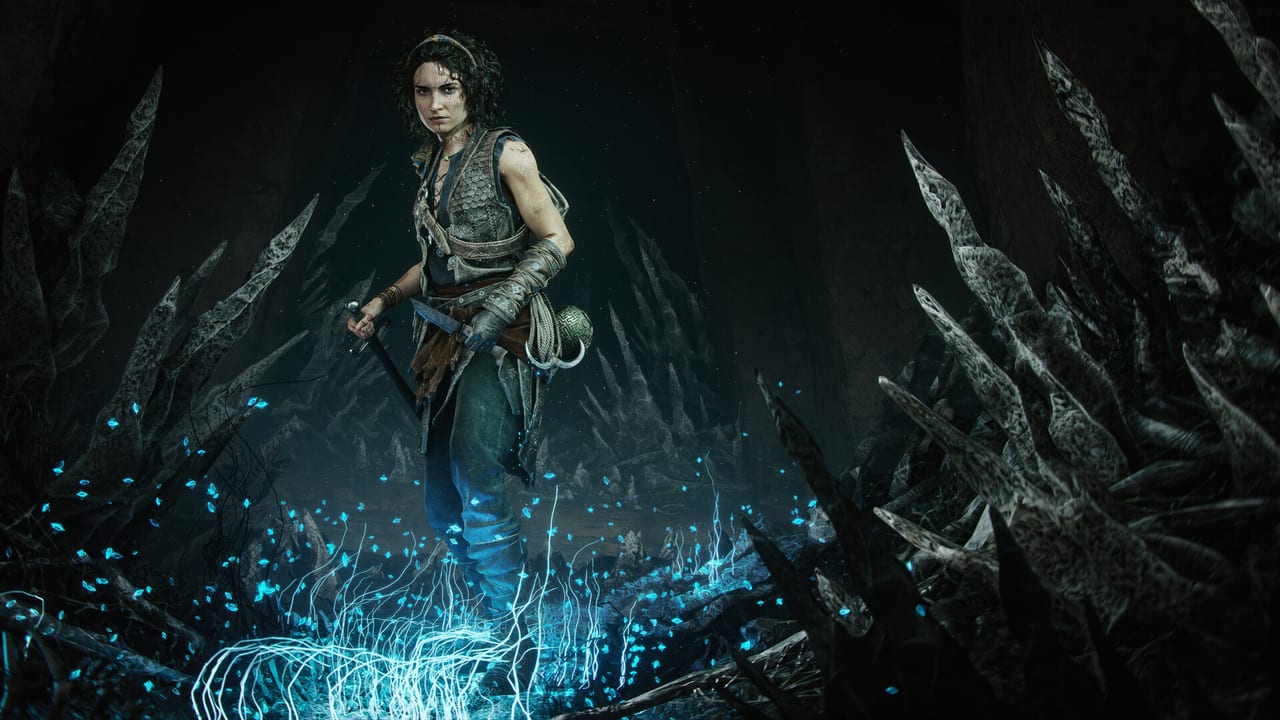
Resonance: A Plague Tale Legacy is listed Playable on Steam Deck, not Verified. That word is the whole page. You can finish Sophia’s campaign on the handheld. You should not treat the Deck as the 60 FPS parry machine the combat guide assumes on a living-room display. Console mode tables and Game Pass PC hitching stay on performance. Minimum silicon stays on system requirements. This page is the handheld layer: what Steam Deck HQ measured at launch, where it crashes, and what Asobo admitted a week later.
The campaign is single-player. Deck settings do not change trophies. Difficulty still changes in the pause menu. Focus’s 24 August 2026 accessibility blog is the ruleset if the melee is too sharp on a small screen: Story / Narrative auto-parries and auto-dodges. Easy through Very Hard still want a tap. The same blog lists no QTE. Invincible Mode is a separate toggle. Details sit on difficulty and accessibility.
What Steam actually promises
Steam’s store page asks for an SSD, 16 GB of RAM, DirectX 12, and Shader Model 6.6. The Deck meets the API line and the RAM line. It does not meet the recommended GPU line. Official targets are 1080p Low at 30 FPS (minimum) and 1080p Ultra at 60 (recommended). Handheld is closer to the first sentence.
Steam Deck HQ’s 26 August 2026 launch review is the measurement this wiki will quote until a numbered patch changes it: most of the island holds 30 FPS on default Deck settings with obvious upscaling, CPU spikes in heavier spaces, and a crash at the start of Chapter 9 after a cutscene they could not work around. Textures can go to Medium. Everything else wants to stay low. Save extra often around Night Has Come. That chapter is already a lantern chase; a crash on the loading edge of it is why this page exists next to the walkthrough.
DayOne mentioned an Xbox Ally X holding near 30 FPS at 17 W and approaching 60 plugged in at 35 W. That is a different APU and a different TDP. Do not copy those numbers onto a Deck.
A preset that survives the island
Start from Steam’s default and then lock the image before you touch combat sliders:
- Cap at 30 FPS in the Deck overlay or the in-game limiter. Parries on a 40–45 oscillating graph feel worse than a flat 30.
- Use FSR Quality or Balanced. Turn frame generation off. Week-one PC posts blamed FG for blur and for extra hitching; the Deck does not need that experiment.
- Shadows, volumetrics, and foliage one step below the default if Chapter 3 hitching does not die after the first walk through a region.
- HDR off unless you are docked to a set you have already calibrated. The midpoint slider belongs on HDR calibration, not in a moving train.
- Bind the five combat inputs on controls once. Interact sharing a face button with a throw is worse on a Deck than on a DualSense.
If the box is a docked Deck on a 4K set, you are still a handheld APU. Do not chase the best PC settings Ultra row.
Week one: stuttering and shaders, no numbered patch
On 2 September 2026 Asobo and Focus posted a Steam thank-you. They had seen reports of stuttering and shader compiling. On 3 September @APlagueTale said a PC Game Pass hotfix for shader precompilation was live. That row does not claim a Steam Deck or Chapter 9 crash fix. The live bulletin is patch notes.
On Deck that admission matches what you feel on first entry to a region: hitch, hitch, then smoother. Let the first pass compile. Do not lower every slider because Chapter 3’s shoreline stuttered once. The Microsoft Store / Game Pass PC hitch is a different pipe — that build skips Steam’s shader pre-warm. A Deck on the Steam build still pre-warms; it is just a small GPU doing it in front of you.
Until a numbered notes file lands, keep the launch workarounds. If Chapter 9 still crashes after a cutscene, save in the pause menu before Night Has Come, and keep a cloud-safe copy. Steam Cloud is on; it is not a second Deck.
When the Deck is the wrong machine
If you are hunting 165 Resonance Points for Like a Warrior, a crash that dumps an unsaved cluster is more expensive on handheld than on a Series X. Do the live point pickup on a stable screen, then mop charms on chapter select. If you only want the story, Story difficulty plus a 30 FPS cap is an honest way to finish Minotaur Island on the commute.
Use this page as the handheld pre-flight. Use performance for consoles and desktop. Use patches for the day a numbered row actually appears. Then put the Deck to sleep and look for the light.
Frequently Asked Questions
Quick answers to the most common questions.
Is Resonance Verified on Steam Deck?
No. Steam lists it Playable. Steam Deck HQ held about 30 FPS with CPU spikes and a Chapter 9 cutscene crash at launch.
Will a patch fix Deck stuttering?
Asobo's 2 September 2026 Steam post says stuttering and shader compiling are being looked at. No numbered patch had shipped by early September. Keep the workarounds on this page and on patches.
Should I use frame generation on Deck?
No. Cap 30, use FSR, leave frame generation off. Week-one PC reports already blamed FG for extra hitching.
Can I platinum on Deck?
Trophies do not care which screen you use. The Chapter 9 crash and missable Resonance Points do. Save often around Night Has Come, or finish the point run on a more stable machine.